How to Make AI Images Undetectable (2026 Guide)
A practical 2026 guide to making AI-generated images undetectable: which detector signals matter, what free methods actually change, and how to verify the result.
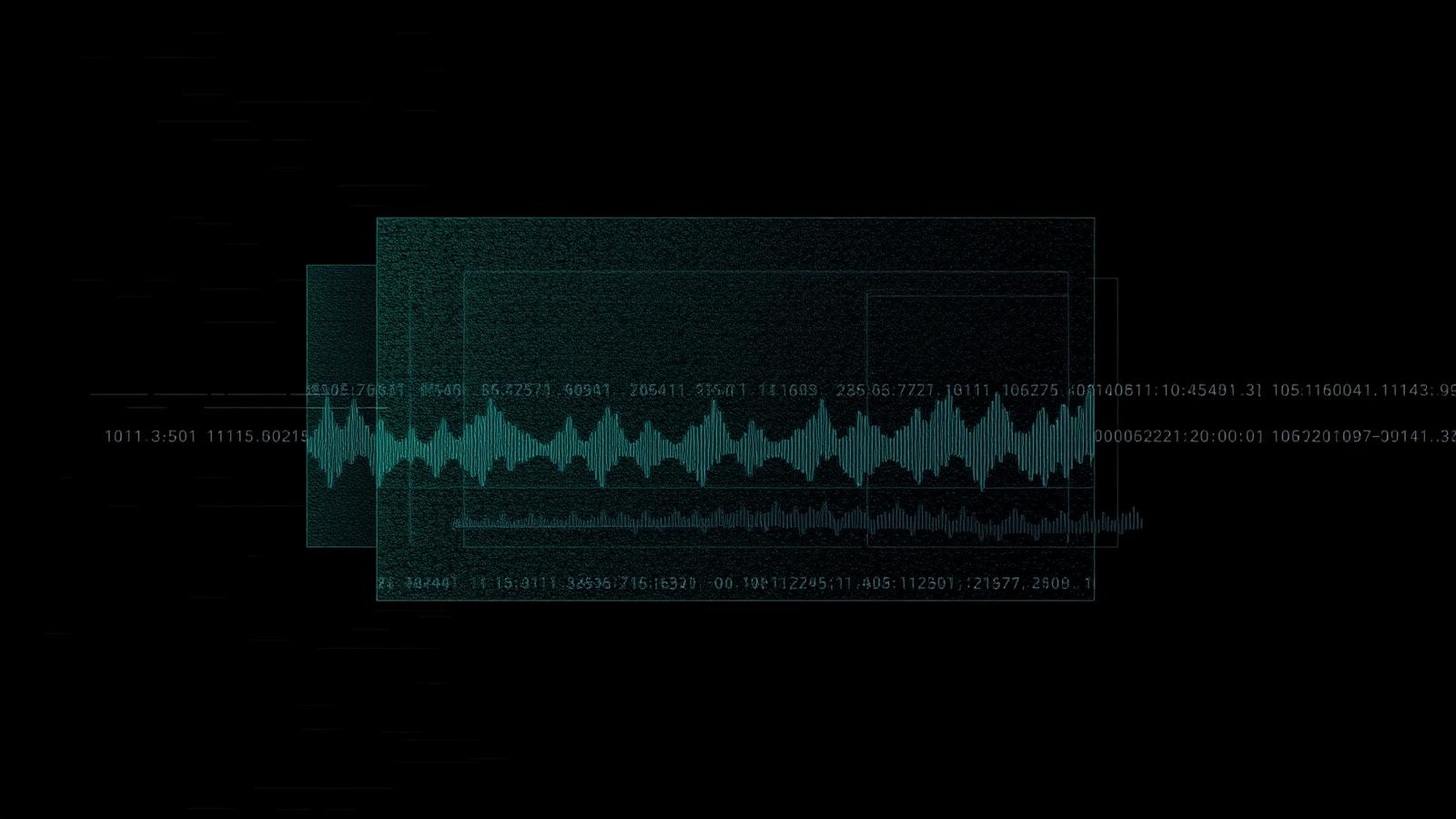
Most guides on making AI images undetectable are the same five tips: crop it, resize it, add grain, run a filter, screenshot it. None of them survive a 2026-grade detector, because none of them touch what the detector actually reads.
This is the version that starts from the detector side. What gets measured, what changes those measurements, and how to check whether you succeeded instead of guessing.
What a detector actually looks at#
An AI image detector is not "looking at the picture". It is running a handful of statistical measurements and weighting them into a score. The ones that carry most of the weight in 2026:
- Sensor-noise profile (PRNU). Every real camera leaves a fixed, multiplicative noise pattern from manufacturing variation between pixels. A diffusion render has none — or has a learned imitation that does not behave like the real thing.
- High-frequency energy distribution. Real photographs have noise that scales with the scene: heavy in shadows, suppressed in highlights, with a characteristic luma-to-chroma ratio set by the colour filter array. Generated images tend to be uniform across the frame.
- Block and frequency structure. A camera writes JPEG once, through a hardware encoder, with predictable 8×8 DCT behaviour. A generated PNG re-saved as JPEG has a different signature — and a doubly-compressed one different again.
- Patch variance and local texture. Diffusion output is unusually self-consistent at the patch level. Skin, fabric and foliage are all slightly too regular.
- Metadata. Missing EXIF, an empty camera block, or a
Software: <generator>tag is the cheapest possible flag. C2PA manifests are an explicit one.
Every one of those is a separate axis. A tool that fixes one and leaves four alone moves the score by a few points, not across the threshold.
Why the popular free tricks fail#
Specifically:
- Cropping removes edge context and shifts block alignment. It does not create sensor noise, and it does not change the noise floor's relationship to luminance.
- Resizing resamples, which smooths high-frequency content — often making the image read more synthetic, because over-smoothness is itself a signal.
- Screenshotting re-encodes through the OS compositor. You lose quality and gain a display-pipeline signature that looks nothing like a camera.
- Generic grain filters add uniform noise. Real noise is scene-dependent. Uniform noise on top of a uniform noise floor is two synthetic signals instead of one.
- Metadata stripping alone removes a flag but leaves a hole. An image with zero EXIF is not neutral — for many classifiers it is suspicious in itself.
The layers that actually move the score#
A workflow that changes detector output has to work on the same axes the detector measures.
1. Clear, then rebuild metadata#
Strip everything attached — EXIF, XMP, C2PA manifests, generator software strings, thumbnails. Then write back a coherent camera block: a real device profile whose focal length, aperture, ISO, shutter speed and colour tags are mutually consistent, with a timestamp that matches the lighting in the scene. An empty metadata block and a contradictory one are both tells; a plausible one is not.
2. Inject a plausible sensor-noise field#
This is the layer that separates real humanization from filters. A per-image PRNU-like pattern, applied multiplicatively and consistent across colour channels the way a Bayer sensor would produce it, gives the correlator something to find instead of a flat nothing.
3. Match noise to the scene#
The noise you add has to vary with local luminance. More residual variance in shadow regions, less in highlights, with the luma/chroma split of a real CFA pipeline. A detector binning noise variance by brightness is checking exactly this curve.
4. Disrupt the frequency signature#
Targeted perturbation in the frequency domain breaks the over-regular structure diffusion models leave behind, without the visible softening that a blur introduces. Done well, it costs nothing perceptually and moves the high-frequency-energy signal substantially.
5. Re-encode like a camera#
Chroma subsampling to 4:2:0, a realistic quantisation table, one deliberate compression generation. The goal is a file whose encoding history is consistent with the metadata you just wrote — not a PNG with iPhone EXIF glued on.
Doing it for free, honestly#
You can run this whole stack in a browser without paying anything and without uploading a file anywhere. Our Photo Humanizer does the processing locally with the Canvas API — the image never leaves your device, which also means there is no server copy to leak. The free tier is credit-limited rather than feature-limited, so the pipeline you test is the pipeline you get.
What no free tool can give you is a guarantee. Which brings us to the step almost everyone skips.
Verify — do not assume#
Process, then test. Run the output through a detector and look at the per-signal breakdown, not just the headline percentage. A score that drops from 96% to 71% tells you which layers worked and which did not, and the breakdown tells you which signal is still firing.
If PRNU still reads as absent, your noise injection was too weak. If high-frequency energy is still flagged, the frequency pass needs more strength. If metadata reliability is the only remaining flag, your EXIF block is inconsistent.
Strength versus quality#
Every layer trades detector score against visible fidelity. Pushing all of them to maximum produces an image that passes classifiers and looks obviously processed — soft, grainy, slightly grey. That is a worse outcome than a moderate score, because humans are the second detector.
The practical target is the lowest strength that clears the detector you care about. Start moderate, verify, and step up only the specific layer whose signal is still firing. We wrote about the fidelity side in detail in humanizing AI images without losing quality.
What this looks like in 2026#
Detectors ensemble five or six weak signals now. That cuts both ways: no single trick defeats them, but no single signal condemns you either. A generated image that has coherent metadata, a plausible sensor fingerprint, scene-dependent noise and a camera-consistent encoding history sits inside the distribution of real photographs on every axis a classifier can cheaply measure.
That is what "undetectable" means in practice — not a magic filter, but the absence of any single measurement that stands out. And because detectors keep retraining, it is a state you re-verify, not a box you tick once.
Related reading: make a photo look less AI for the quick version, anti-AI filters online for why the filter framing is misleading, and how AI image detectors work for the detector side in depth.
Review method, sources and limits
- Reviewed by
- Tim Geithner · Founder and technical reviewer
- Last reviewed
- September 1, 2026
We compare current primary documentation with the implemented browser data flow and, where stated in the article, repeatable hands-on observations. A detector score is not proof of authorship or provenance. No controlled benchmark is claimed unless the article names its sample, tested version, date and method; third-party products and policies can change.
Primary references
SynthGuard.net — privacy-first tools
Humanize AI media locally and choose a clearly disclosed text mode.
Images, video and detector scans stay on your device. Light-mode text is local; deeper text modes use the protected inference route. No detector outcome is guaranteed.
All third-party names, logos and trademarks (e.g. Hive, Optic, Sensity, Sightengine, Illuminarty, GPTZero, Instagram, TikTok, OnlyFans, Fanvue, SynthID, C2PA) are the property of their respective owners. SynthGuard is an independent service and is not affiliated with, endorsed by, sponsored by, or partnered with any of these companies or platforms. Detector and platform names are used solely for descriptive comparison under § 6 UWG / Art. 4 Directive 2006/114/EC.
Frequently asked questions
Glossary terms in this article
Keep reading
How to Make a Photo Look Less AI (Free Methods That Work)
"Make it look less AI" can mean two completely different things, and conflating them is why so much advice disappoints. One is about people noticing. The other is about classifiers scoring. The fixes…

Anti-AI Filters Online: Why the 'One-Click Filter' Framing Is Wrong
Search "anti AI filter online" and you get dozens of pages selling the same promise: upload, click, download, undetectable. The word filter is doing a lot of work there, and it is worth unpacking, be…
Humanize AI Images Without Losing Quality
Humanizing an AI generated image well is a craft. The naive version — slap on Gaussian noise, save as JPEG, call it done — gets caught by every modern detector and ruins the image. The professional v…