How to Make a Photo Look Less AI (Free Methods That Work)
Free ways to make an AI photo look less AI — what changes a viewer's impression, what changes a detector's score, and why those are two different jobs.
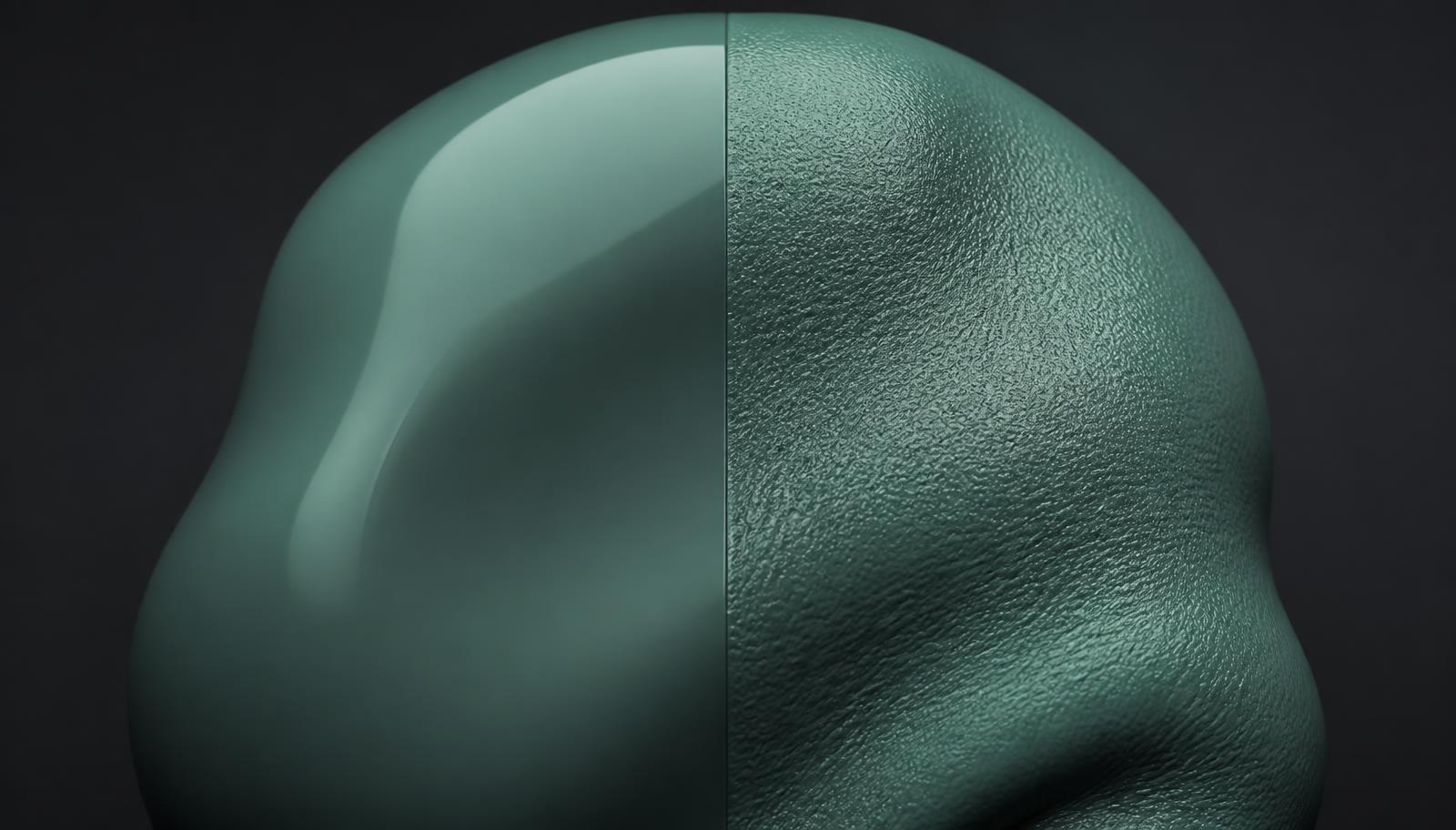
"Make it look less AI" can mean two completely different things, and conflating them is why so much advice disappoints. One is about people noticing. The other is about classifiers scoring. The fixes barely overlap.
Here is both jobs, and what is genuinely free.
Job 1: stop humans from clocking it#
Viewers do not run statistics. They spot composition errors. In rough order of how often they blow an image:
- Skin. Generated skin is too even — no pores, no asymmetric blemishes, no colour variation between forehead and cheeks. Adding fine texture and a little asymmetry is the single highest-value edit.
- Eyes. Catchlights that are identical in shape and position in both eyes are physically impossible unless the light source is dead centre. Nudge one.
- Hands and joints. Count fingers, check knuckle spacing, look at where the thumb attaches.
- Text. Any lettering in the background — signage, labels, screens — is usually near-letters. Crop it out or paint over it.
- Backgrounds. Objects that dissolve into ambiguity at mid-distance. Real depth of field blurs uniformly; diffusion output blurs semantically, losing object identity rather than sharpness.
- Lighting. Shadows that imply two or three different sun positions in one frame.
None of this needs paid software. A free editor and ten minutes covers most of it.
Job 2: stop detectors from scoring it#
This is where the free advice runs out, because the giveaways here are invisible.
A detector measures the noise floor, the sensor fingerprint, the frequency structure and the metadata. Retouching skin does not create sensor noise. Colour grading does not write EXIF. Cropping does not make the high-frequency energy scene-dependent.
What does work is a humanization pass that targets the measured layers directly: clear and rebuild metadata as a coherent camera block, inject a plausible per-image sensor-noise field, bind that noise to local luminance, perturb the frequency signature, then re-encode with camera-like chroma subsampling and quantisation. The full breakdown of each layer is in our 2026 guide to making AI images undetectable.
The free workflow, end to end#
- Fix the human-visible errors first — text, hands, catchlights, obviously melted background objects. Do this before processing, because pixel work on a broken composition is wasted.
- Add real skin texture if there are people in frame. Subtle, non-uniform, more in shadow than in highlight.
- Run one humanization pass at moderate strength. Browser-only, so nothing uploads.
- Test the output with a detector and read the per-signal breakdown, not the headline number.
- Step up only the layer that is still firing. Raising everything degrades the image for no extra benefit.
What to expect#
A moderate pass usually pulls a confident "AI-generated" verdict down into ambiguous territory on general-purpose detectors, without visible quality loss. Pushing further keeps lowering the score and starts costing fidelity — soft detail, visible grain, slightly flattened colour. Since human viewers are the second detector, over-processing is a net loss.
Aim for the lowest strength that clears the detector you care about, and re-verify whenever you switch generators — a new model's output has a different starting signature.
If you have been sent here by a filter-style tool promising one-click results, read this first.
Review method, sources and limits
- Reviewed by
- Tim Geithner · Founder and technical reviewer
- Last reviewed
- September 1, 2026
We compare current primary documentation with the implemented browser data flow and, where stated in the article, repeatable hands-on observations. A detector score is not proof of authorship or provenance. No controlled benchmark is claimed unless the article names its sample, tested version, date and method; third-party products and policies can change.
Primary references
SynthGuard.net — privacy-first tools
Humanize AI media locally and choose a clearly disclosed text mode.
Images, video and detector scans stay on your device. Light-mode text is local; deeper text modes use the protected inference route. No detector outcome is guaranteed.
All third-party names, logos and trademarks (e.g. Hive, Optic, Sensity, Sightengine, Illuminarty, GPTZero, Instagram, TikTok, OnlyFans, Fanvue, SynthID, C2PA) are the property of their respective owners. SynthGuard is an independent service and is not affiliated with, endorsed by, sponsored by, or partnered with any of these companies or platforms. Detector and platform names are used solely for descriptive comparison under § 6 UWG / Art. 4 Directive 2006/114/EC.
Frequently asked questions
Glossary terms in this article
Keep reading
How to Make AI Images Undetectable (2026 Guide)
Most guides on making AI images undetectable are the same five tips: crop it, resize it, add grain, run a filter, screenshot it. None of them survive a 2026 grade detector, because none of them touch…
Anti-AI Filters Online: Why the 'One-Click Filter' Framing Is Wrong
Search "anti AI filter online" and you get dozens of pages selling the same promise: upload, click, download, undetectable. The word filter is doing a lot of work there, and it is worth unpacking, be…
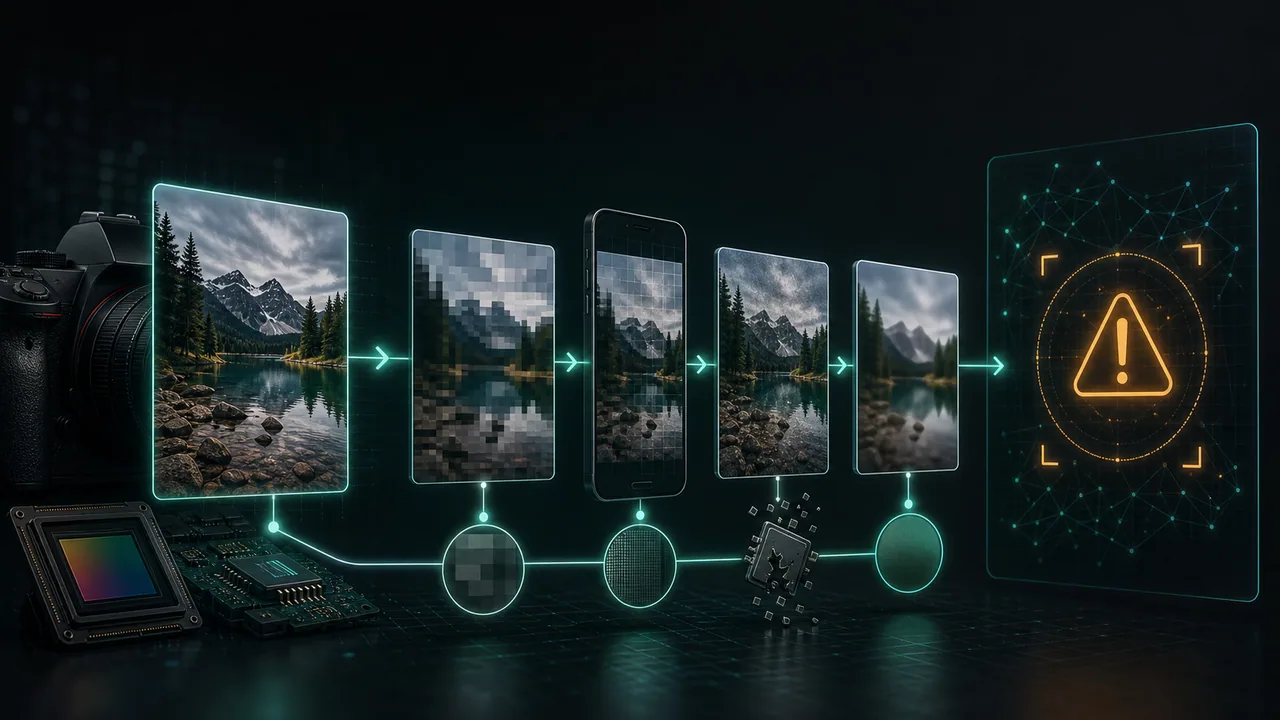
Why Did My Real Photo Get Flagged as AI?
You shot the photo yourself. You were there. And yet an AI image detector just told you it was "likely AI generated." It is a jarring, almost insulting result — and it is far more common than most pe…