Prepare AI creator media for responsible publishing.
Process creator images locally, compare measurable forensic signals and review consent, rights and disclosure rules. No detector score predicts an Instagram, TikTok or Fanvue decision.
- Inspect 8 image signals
- Camera-style EXIF
- Pixels stay local
- Batch up to 20 photos
 AI-generated
 AI-generated
 AI-generated
Illustrative output · Scores vary by file and detector version
One file can carry several different kinds of risk.
Separate technical signals from platform policy, creator disclosure, identity, consent and rights. Each platform evaluates a different combination.
Instagram AI Info context
Meta can apply AI Info labels from industry-standard indicators or creator disclosure. It does not publish a fixed reach penalty tied to one image score.
TikTok 'AIGC' Auto-Label
TikTok requires labels for realistic AI-generated content and says using the disclosure setting alone does not reduce distribution when the post follows its rules.
Fanvue Verification Holds
Creator platforms can request identity, consent or policy review. Check Fanvue's current creator terms instead of treating an image score as the only moderation signal.
Reddit & Discord Auto-Removal
Communities set their own rules for synthetic media, disclosure and promotion. Moderator tooling and enforcement are not publicly uniform.
A 10-layer pipeline built for AI models on social.
SynthGuard adjusts selected forensic signals locally while aiming to preserve visible quality. Platform classifiers and moderation outcomes remain outside the tool's control.
Real-camera EXIF + GPS jitter
iPhone 15 Pro Max, Samsung S24 Ultra, Sony α7 IV profiles with physically valid ISO, aperture, focal length and realistic location drift.
PRNU sensor fingerprint
A configurable camera-style noise residual is added as one measurable signal. Classifier results vary by file and detector version.
Provenance signal review
Re-encoding can remove C2PA metadata and adjust selected pixel signals. SynthID is different, so removal or evasion is not guaranteed.
Local image processing
Image pixels stay on your device. Account and quota metadata may still be recorded; image content is not uploaded for processing.
Signals addressed
The 3-step content drop workflow
From generator to Fanvue / Insta / TikTok in under 5 minutes.
-
01
Drop your batch
Drag 1–20 photos from your AI model generator (Midjourney, Flux, SDXL) onto the canvas.
-
02
Local humanization
Selected noise, frequency, color, compression and metadata characteristics are adjusted locally in a Web Worker.
-
03
Inspect and review
Check the export, compare detector signals and confirm consent, rights and disclosure requirements before posting.
Need a ready-made AI model?
Our partner InfluencerForge generates photorealistic AI influencer models with a consistent face, body and style across hundreds of photos and videos — ready for Fanvue and the SynthGuard humanization pipeline.
- Consistent face, body and style across the full drop
- Realistic output that holds up under compression
- Repeatable characters, tuned for the SynthGuard pipeline
 AI-generated
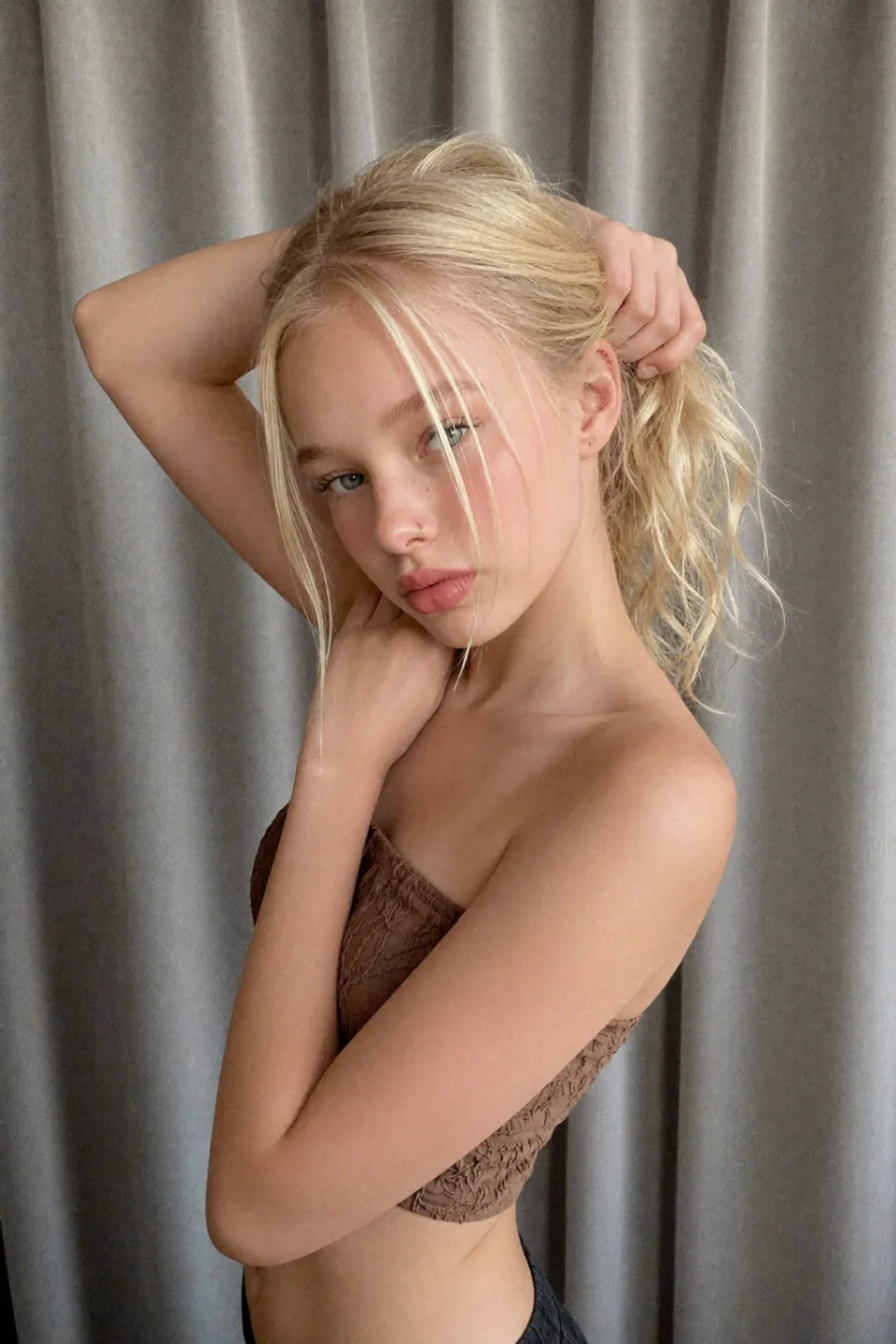 AI-generated
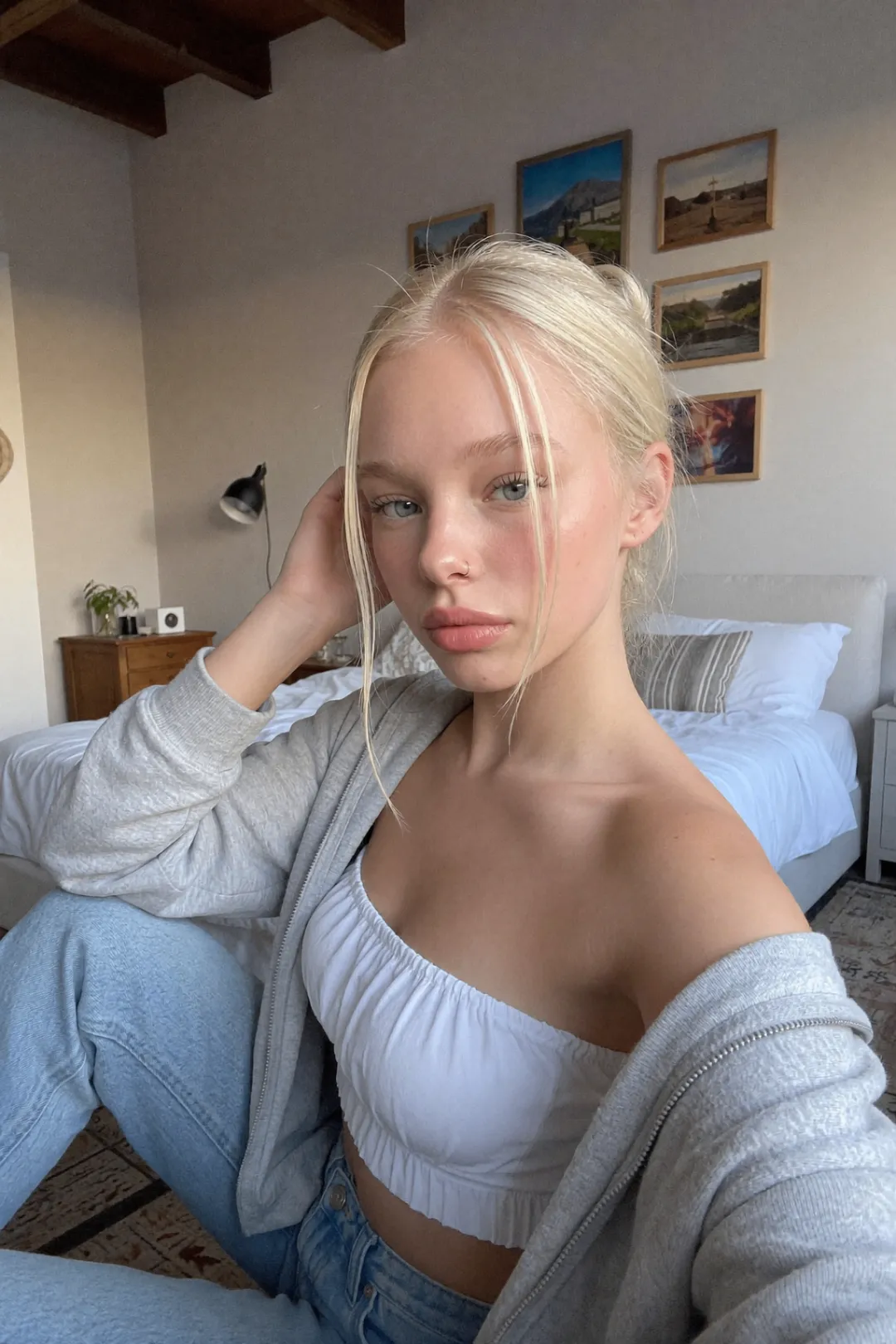 AI-generated
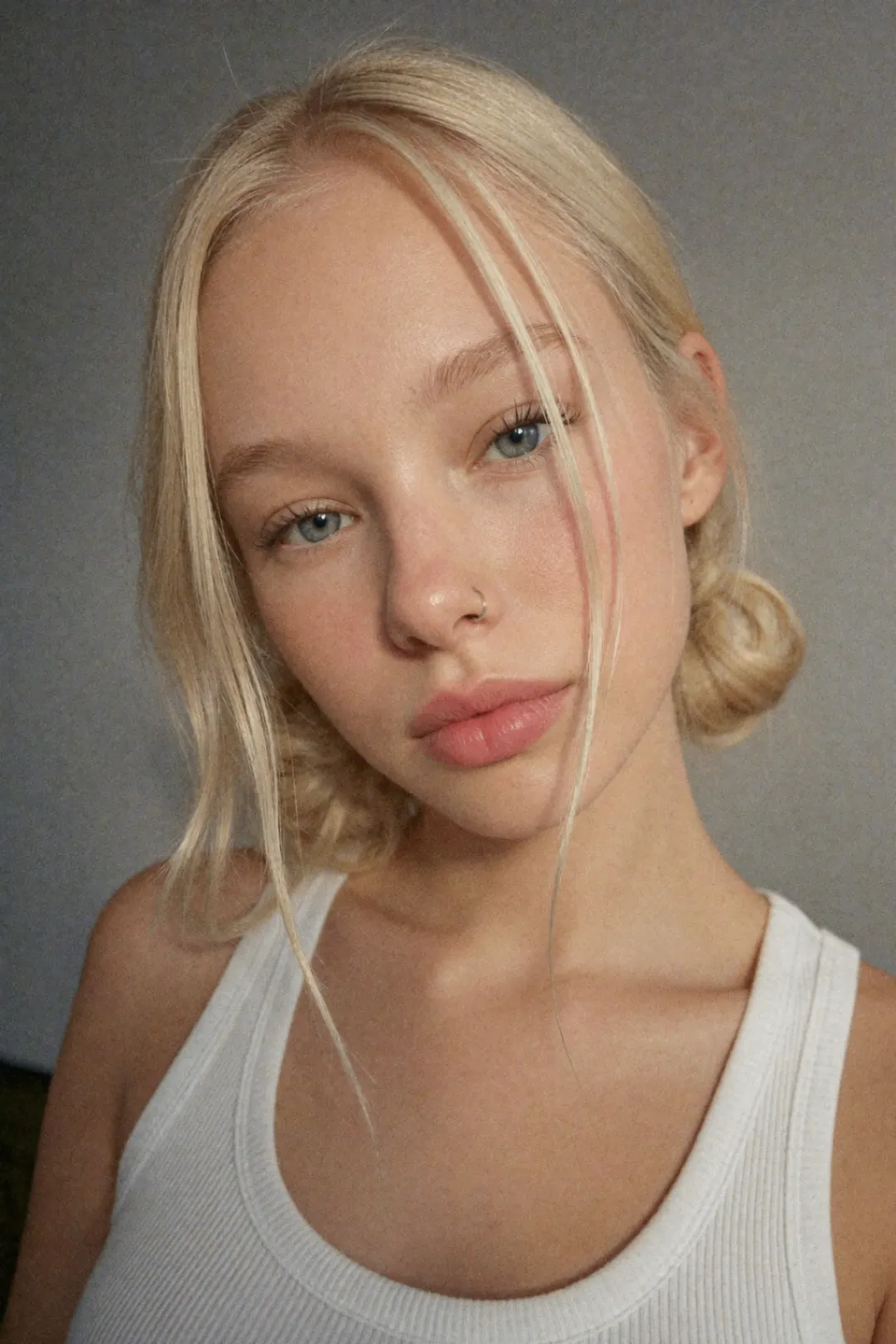 AI-generated
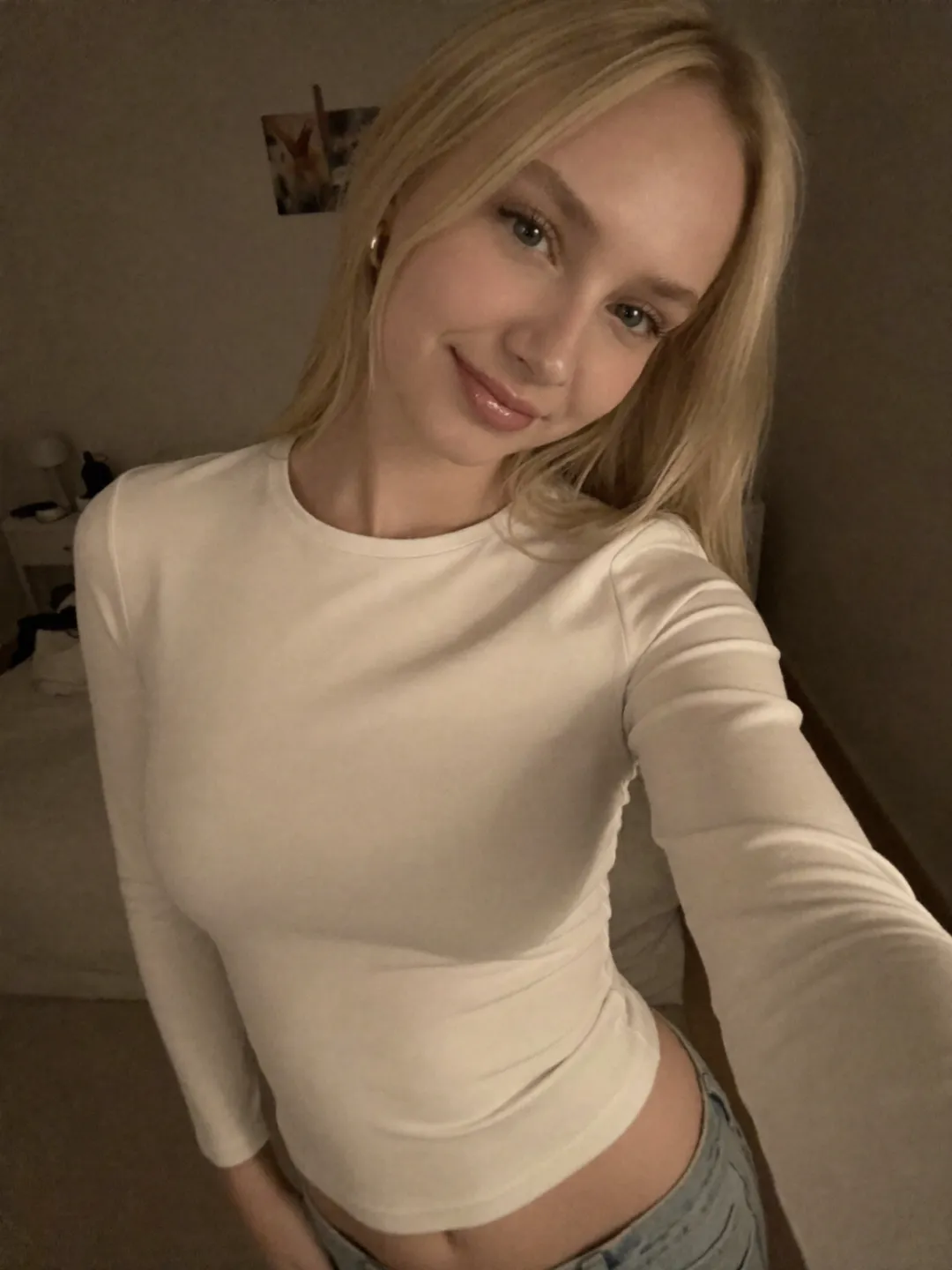 AI-generated
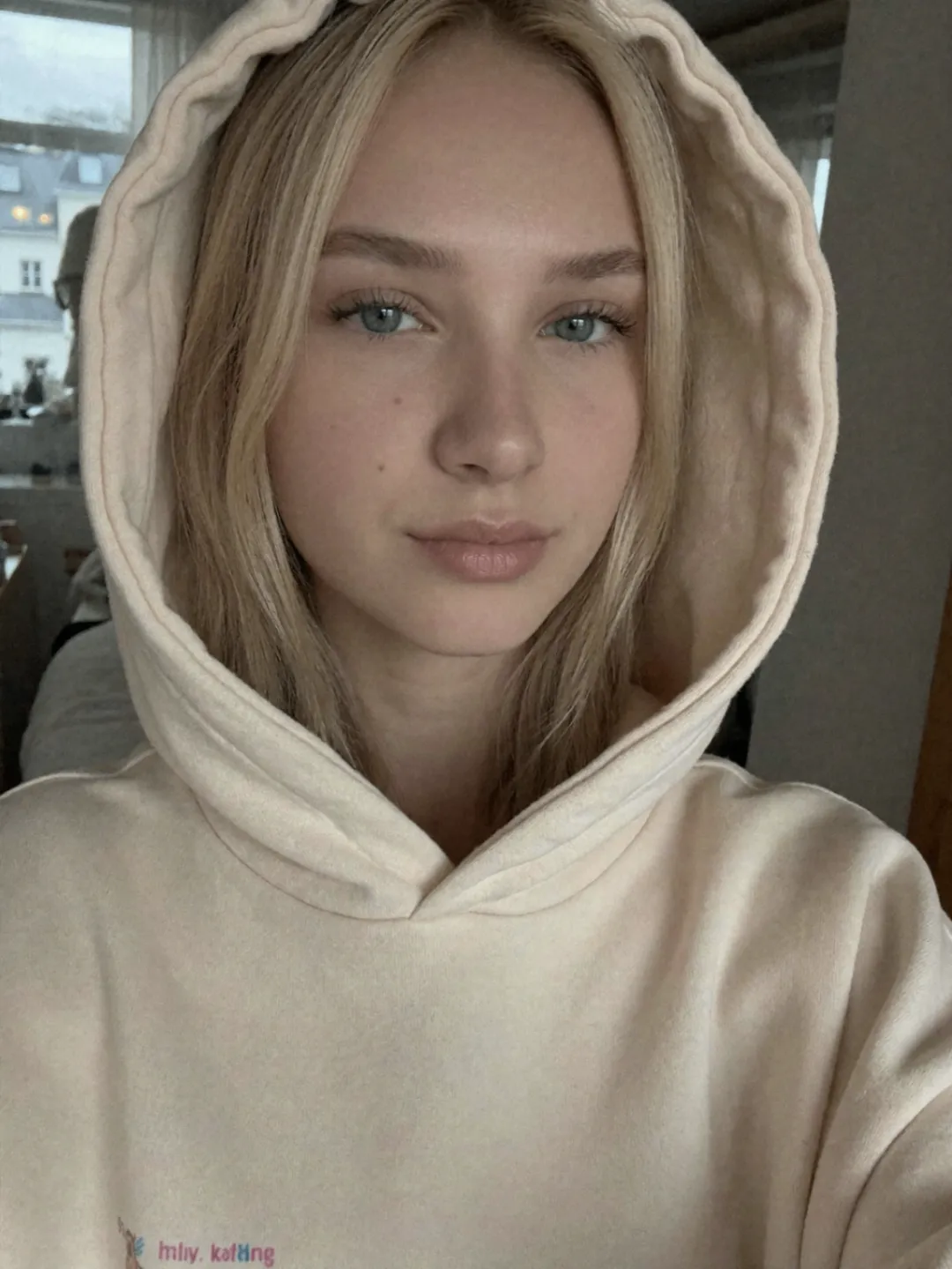 AI-generated
A practical media and policy checklist for AI-model creators
Visual quality, forensic scoring and platform compliance are separate questions. A detector may inspect noise, frequency energy, color relationships, compression and metadata, while a platform may also evaluate identity, consent, rights and disclosure. Neither a polished image nor a low third-party score proves compliance.
SynthGuard processes image pixels locally and adjusts selected noise, frequency, texture, color, compression and metadata characteristics. The built-in detector offers a repeatable before-and-after comparison across eight signals. Results vary with the source file and detector version, and the export is not proof of camera origin.
Meta and TikTok publish disclosure guidance for synthetic media, and TikTok says using its AI label setting alone does not reduce distribution when content follows its rules. Fanvue and individual communities maintain separate creator policies. Review primary sources before each campaign instead of relying on a static claim.
Before publishing, keep the source file, inspect the export at full resolution, preserve any disclosure that law or platform rules require, and verify consent and usage rights. No file-processing workflow guarantees reach, approval, monetization or account safety.
AI model creators ask
Real questions from Fanvue, Insta and TikTok creators running AI personas in 2026.
Will Instagram really shadowban my AI model account?+
Meta can add AI Info context based on industry-standard indicators or creator disclosure, but it does not publish a universal reach penalty tied to one asset. Distribution is multi-factor and editing a file does not guarantee a label or reach outcome.
Does Fanvue actually run AI detection?+
Fanvue can review identity, consent and policy compliance, but its complete technical moderation stack is not public. Check the current creator terms and do not treat a third-party image score as a prediction of Fanvue's decision.
How is this different from running my AI images through a filter?+
Filters change visual appearance; they don't fix the forensic signals detectors actually look at. SynthGuard runs a 10-layer pipeline that targets pixel noise correlation, frequency-domain artefacts, EXIF reliability, PRNU residuals and JPEG quantisation simultaneously. The image looks identical — the forensic profile looks like a real camera.
Can I batch-process a full content drop?+
Yes. The image humanizer accepts batches of up to 20 images on the Studio plan and runs the full pipeline locally in a Web Worker. A 30-image drop usually completes in 2–3 minutes without leaving your browser.
Do I need to disclose AI on Fanvue or Instagram?+
Read each platform's current ToS — some require disclosure, others tolerate undisclosed AI if the account is verified human. SynthGuard is a forensic-signal repair tool, not a disclosure-laundering tool. Most legitimate use cases are creators with verified IDs running AI-assisted models who want to avoid false-positive flags.
One flagged drop costs more than a year of SynthGuard.
Protect every Fanvue upload, every IG carousel and every TikTok post. Free to try — your photos never leave your browser.
No card required · IG / TikTok / Fanvue ready
All third-party names, logos and trademarks (e.g. Hive, Optic, Sensity, Sightengine, Illuminarty, GPTZero, Instagram, TikTok, OnlyFans, Fanvue, SynthID, C2PA) are the property of their respective owners. SynthGuard is an independent service and is not affiliated with, endorsed by, sponsored by, or partnered with any of these companies or platforms. Detector and platform names are used solely for descriptive comparison under § 6 UWG / Art. 4 Directive 2006/114/EC.